> ## Documentation Index
> Fetch the complete documentation index at: https://docs.superu.ai/llms.txt
> Use this file to discover all available pages before exploring further.
# Create Audience
> Upload and manage your contact list for outbound campaigns.
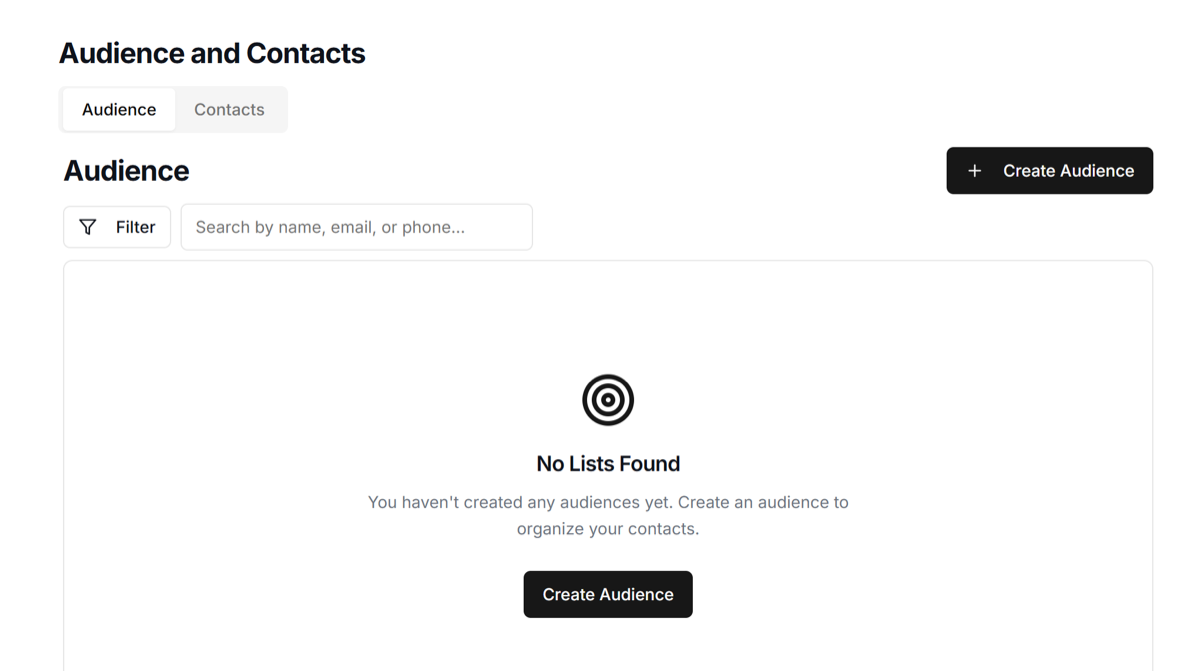
An audience is your contact list for outbound campaigns. It contains the customer names and phone numbers that your agent will call.
## Upload Your Audience
Head to the **Audience** tab in your superU dashboard.
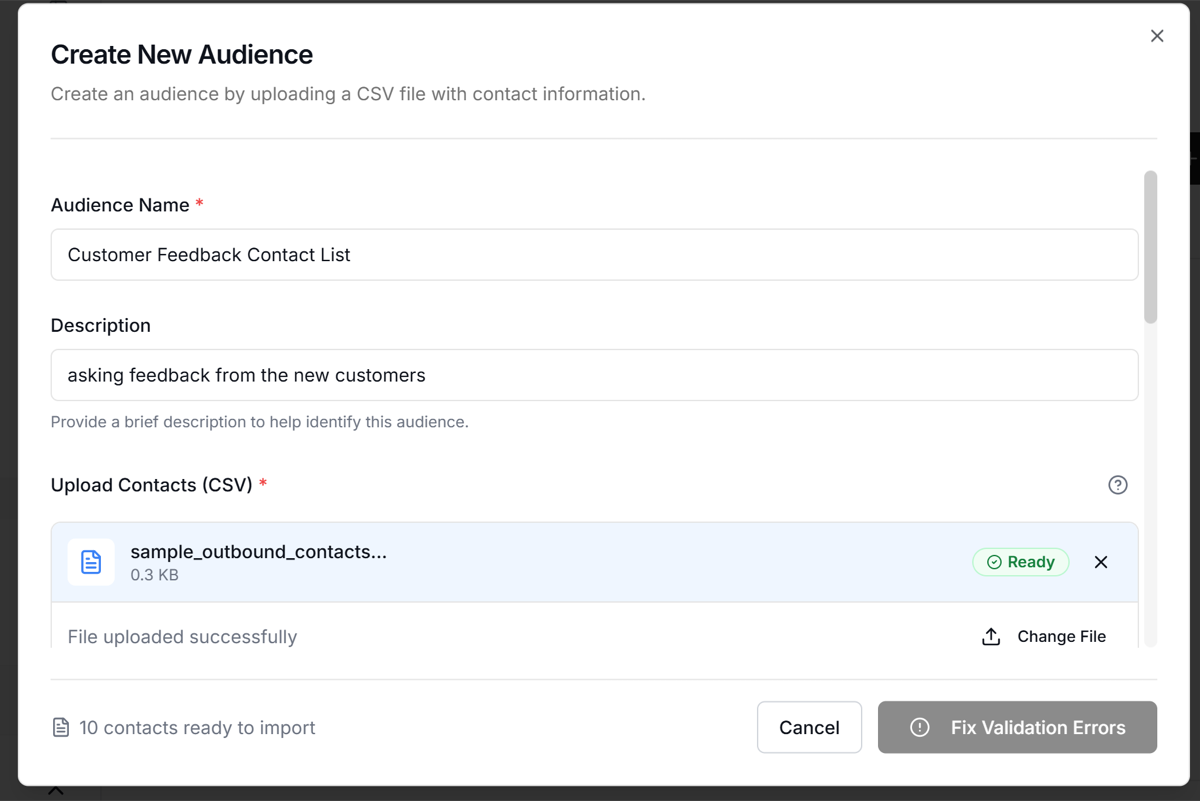
 Upload your CSV file with customer names and phone numbers.
 ## Map CSV Columns
Map your CSV columns to match the required fields (Name, Phone Number, etc.). Check if you have any validation errors.
Once everything looks correct, create the audience. Your contact list is now ready to be used in campaigns.
You can create multiple audiences for different call lists to make it easier to manage different customer segments or campaigns.
## Map CSV Columns
Map your CSV columns to match the required fields (Name, Phone Number, etc.). Check if you have any validation errors.
Once everything looks correct, create the audience. Your contact list is now ready to be used in campaigns.
You can create multiple audiences for different call lists to make it easier to manage different customer segments or campaigns.